
Google Genie 4 Is Here, and It Is Weirdly Fun
Google released Genie 4 on November 18, 2026: an interactive world model that turns a typed sentence into a place you can walk through. What it does, how it compares to Genie 3, and whether it is worth trying.
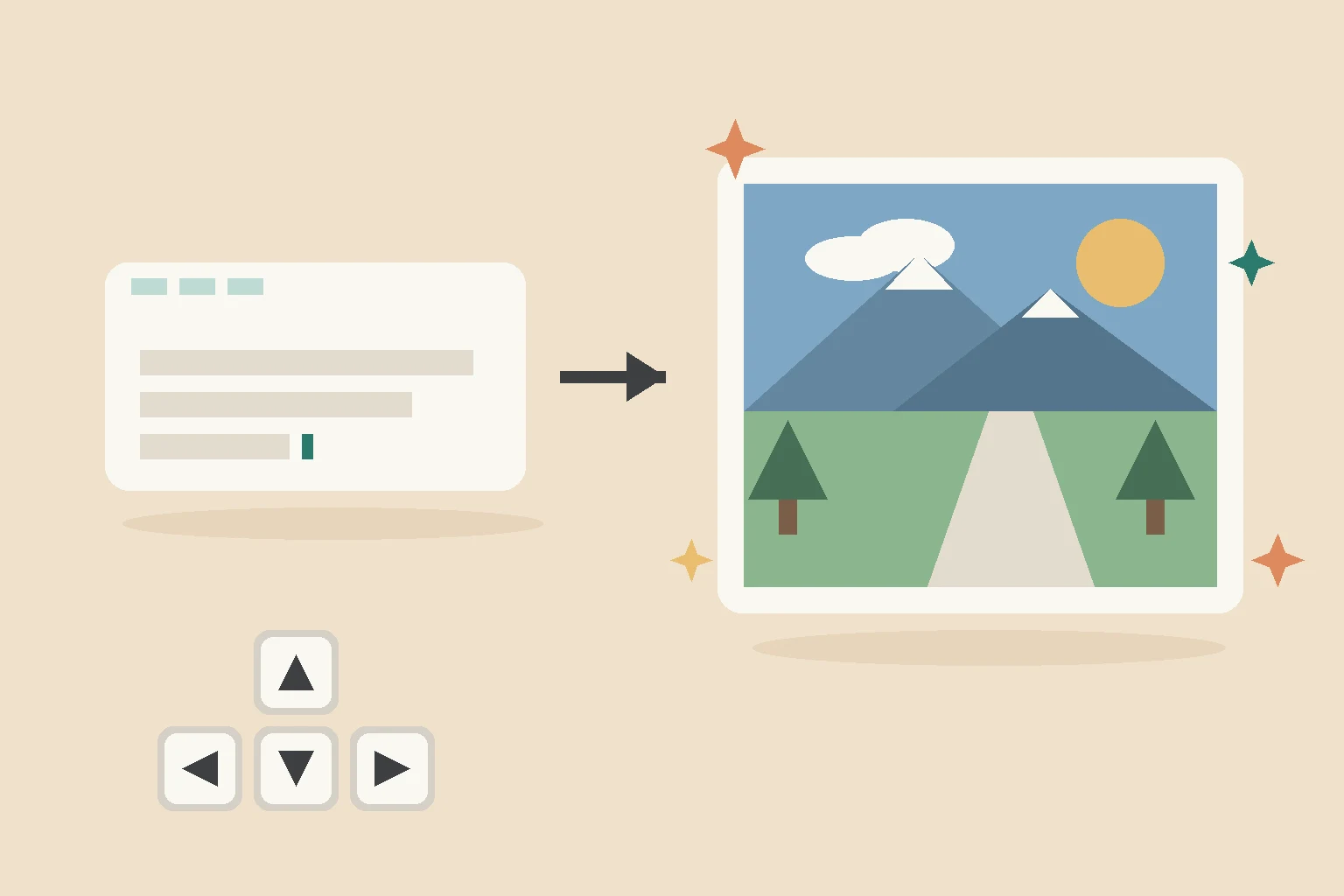
On November 18, Google released Genie 4, and it is one of the stranger things you can try on the internet right now.
You type a sentence, something like "a Japanese train station in the 1980s," and instead of getting a picture or a video, you get a place. A small world you can walk through with the WASD keys, like a video game. The world gets generated as you move, so it reacts to where you go. And while you are standing in it, you can type "add a blizzard" and watch the weather change around you.
One honest note before I go on: I have not tried it myself yet. This article is a careful read of Google's announcement and early coverage, not a review. Where I am not sure about something, I will say so.
What is actually new
Google had Genie 3 before this, so what does the new one add? Mostly two things. It looks better, and it has sound now. Music, street noise, even dialogue that follows what is happening in the scene. Genie 3 was silent, which made it feel like a tech demo. Sound changes that.
Genie 3 is still around, by the way. Google kept it in the menu and even improved it: sessions last three minutes now instead of one, and you can chain several worlds into a longer trip. So if you just want to explore calmly, the old one still works. The new one is for when you want it to look and sound real.
The update also added an assistant that builds worlds with you in a chat, plus a gallery where people publish worlds that anyone can remix. One featured world puts you inside an ant colony. Another is a mystery in a gothic mansion. There is even a feature that turns your own photos into places you can walk through, which I find both impressive and slightly unsettling.
How to try it
Right now you need a Google AI Ultra subscription, the expensive one, and then it runs in your browser on the Project Genie site. People on the cheaper AI Pro plan can join a waitlist. Developers can also use it through the Gemini API, where it generates 720p worlds at 24 frames per second with sound, controlled by keyboard in real time.
Should a small business care?
A little. Not a lot yet.
Could you sketch a shop layout and walk through it before paying a designer? Yes. Could you make a fun training scenario for new staff? Probably. Is this ready for anything your customers will see? No. Google itself says the camera lags, the physics break, and worlds forget things. Everything it makes also carries an invisible watermark.
So treat it as a toy that shows where things are going. A good toy, but a toy.
My take
If you already pay for AI Ultra, try it this weekend. It is genuinely fun, and walking through a place that did not exist ten seconds ago feels like a small glimpse of the future. Everyone else can wait for the Pro rollout without missing much.
The part I am actually watching is the API. Once any developer can generate a walkable world for a few cents, this stops being a toy and starts showing up inside normal software. That is when small businesses will feel it, and that is when I will write the follow-up.
More practical AI coverage on this blog: our n8n vs Make vs Zapier comparison and the guide to building an email triage agent with n8n.
Related articles in Technology
How to Self-Host n8n on a Hostinger VPS (2026 Guide)
Self-host n8n on a Hostinger VPS in 2026: one-click template vs Docker, real KVM pricing incl. renewals, HTTPS setup, and the backup routine that keeps it alive.
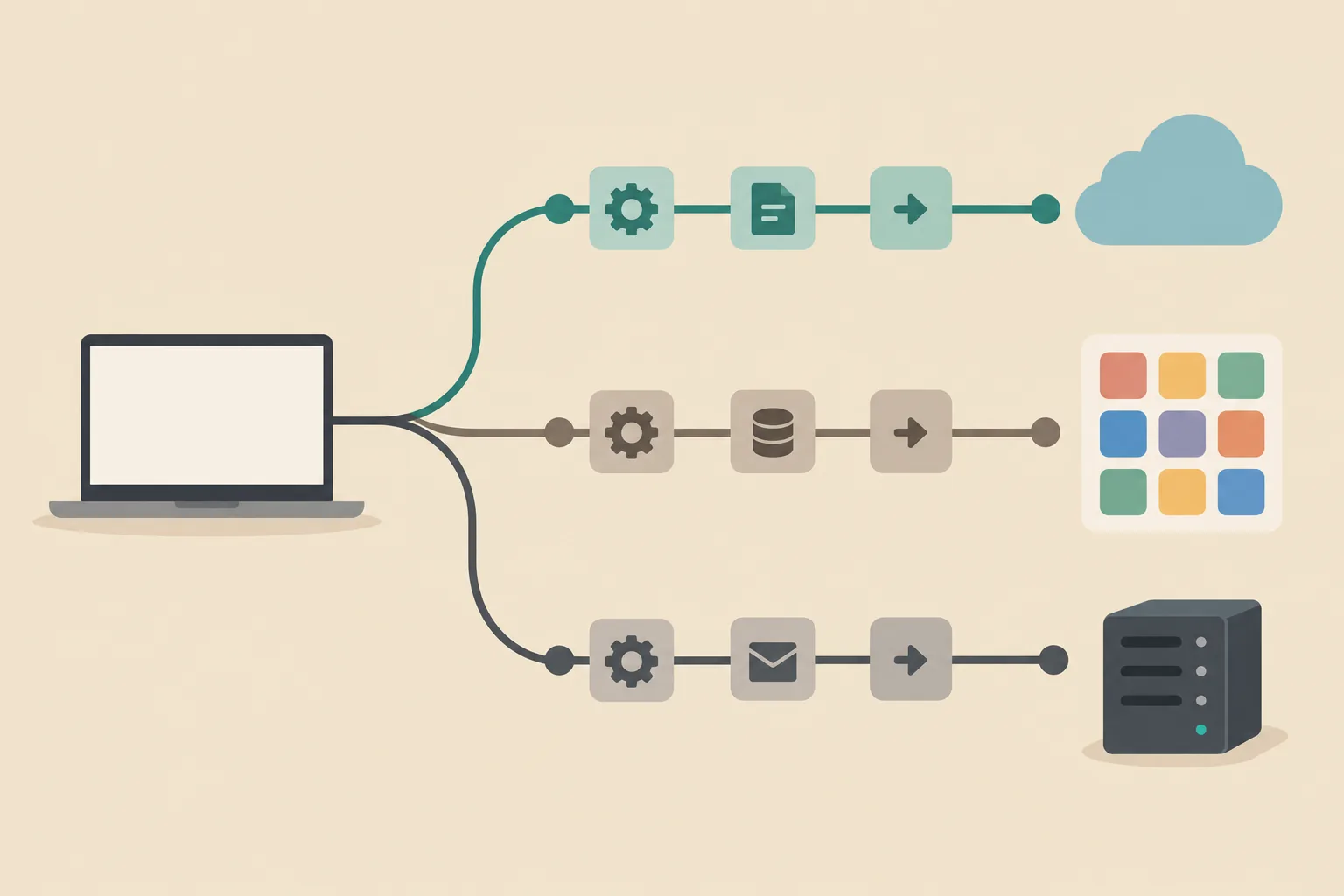
n8n vs Make vs Zapier: Real Costs and Who Each One Fits (2026)
n8n vs Make vs Zapier in 2026: tasks vs credits vs executions, what the same workflow really costs, free tiers compared, and who each tool fits, from someone who self-hosts n8n.
Is n8n Free? Pricing and Self-Hosting Explained (2026)
Is n8n free? Yes, self-hosted. What the Community Edition includes, what n8n Cloud costs in 2026, the license catch, and the real monthly bill, from someone running it.
Get new Blogtechi articles by email.
Get the latest insights on AI, automation, and future tech delivered to your inbox. You confirm your address first and can unsubscribe at any time.
By subscribing, you agree to our Privacy Policy and Terms of Service.