
easyDNS Was Breached: What to Check at Your Own Domain Provider
easyDNS says an attacker got into its AWS account and exposed customer contact details and, for mail users, unsalted password hashes. Domains and DNS kept working. Here is what happened and a short checklist for your own domain provider.
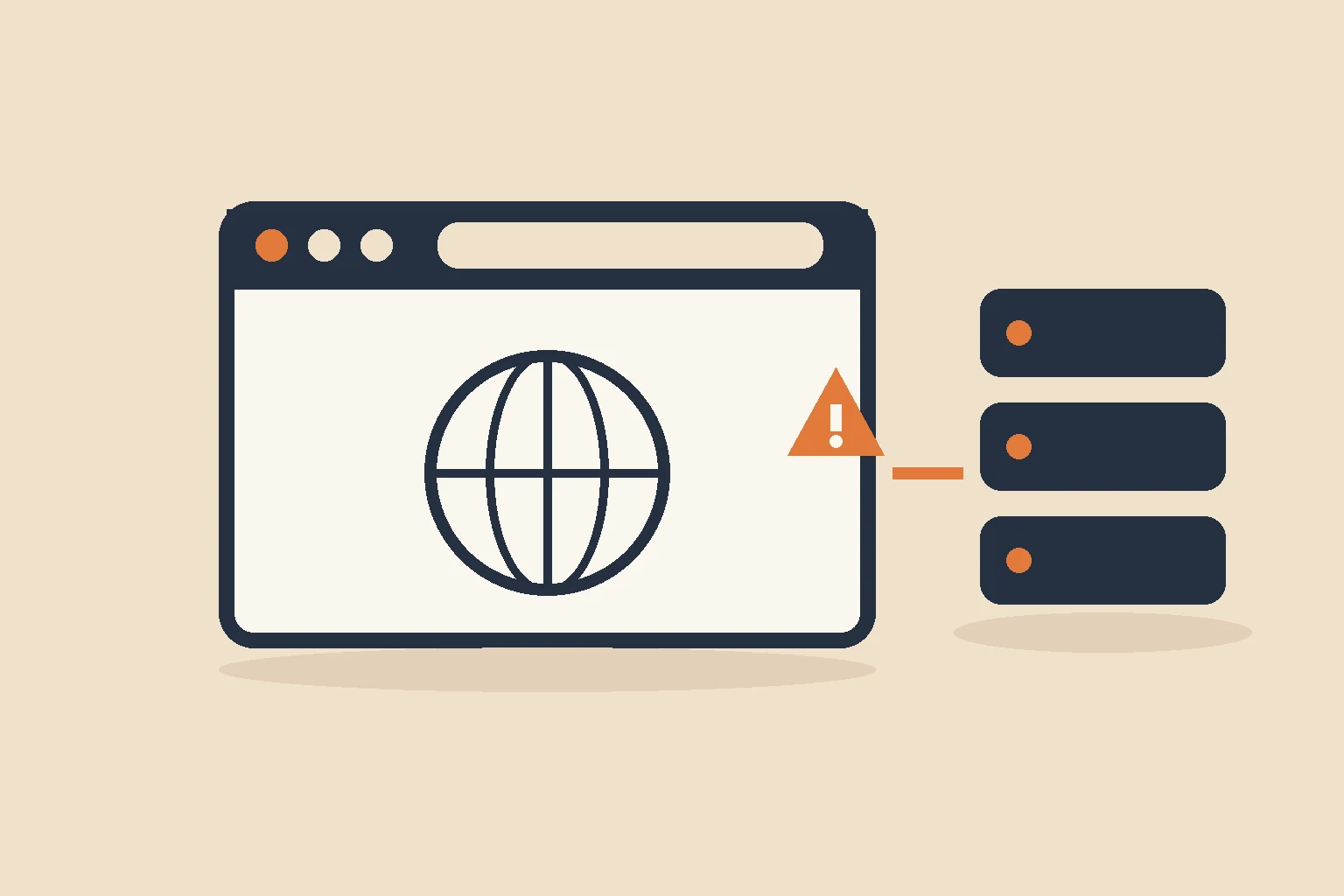
On Friday, easyDNS told its customers about a security breach. The company is a domain and DNS provider, the kind of service most small business websites quietly depend on. Nobody lost a domain, and DNS kept running. Still, some customer data is out, and one detail deserves attention if you use their email service.
What happened
On the morning of November 26, easyDNS noticed an unauthorized login to its AWS account. It also got reports that some customers' stored AWS keys, used for its easyRoute53 integration, were being misused. By about 5 p.m. Eastern time, its forensics team had confirmed the entry point and contained the attack. Then they found the breach reached beyond those keys.
The easyRoute53 integration is offline for now. The company expects it back by the end of the weekend. Its investigation is still running.
What was exposed, and what was not
The affected data varies by customer. It may include name, email address, postal address, phone and fax numbers, and limited billing data. For customers with recurring billing, that means the last four digits of a card, the expiry month and year, the postal code, and the billing name and address. easyDNS says no full card numbers were taken, because it never stores them.
If you use easyMail, the exposed data may also include your mailbox email address and your mailbox password hash.
Not exposed, according to easyDNS: control panel passwords and their hashes, REST API keys, dynamic DNS tokens, secret question answers and recovery codes. Domains, DNS, email, SSL certificates and web forwarding were not disrupted.
Why the password hashes matter
A hash is a scrambled version of a password. Good systems add a random value, called a salt, before scrambling, so identical passwords look different and cracking each one takes real work. easyDNS says the easyMail hashes were SHA256 and were not salted. That means weak or common passwords can be cracked fairly quickly. A long, unique password is much harder.
If you use easyMail, change that mailbox password now. If you reused it anywhere else, change it there too.
Expect phishing
Names, emails, addresses and phone numbers are enough for a convincing fake message. Be careful with emails or texts that mention easyDNS, billing problems, domain expiry or a password reset you did not ask for. Type the provider's address yourself instead of clicking a link. easyDNS says it is forcing a password reset on your next login to the control panel, so a real reset will exist. That is exactly what an attacker would copy.
A five-minute check for your own domain provider
You may not use easyDNS at all. The lesson still applies, because your domain account can take your website and your email down at once.
1. Turn on two-factor authentication for your registrar and DNS account.
2. Give each mailbox its own long password.
3. Switch on the registrar lock, so the domain cannot be transferred without your approval.
4. Check who has access to your DNS and domain account, and remove anyone who does not need it.
5. Look at the contact email on the account. It should be one you read and control.
My take
I would not panic about this one. The company reacted within a day, told customers plainly, and says the main account passwords were safe. But I only read easyDNS's own statement, and the investigation is not finished, so details may change.
The bigger point is quieter. Most of us protect the website and forget the domain account behind it. That account is a single point of failure, and it is worth ten minutes this weekend.
Related articles in Technology
NVIDIA's Free Image AI: What It Does and the License Catch
NVIDIA released an open image model that it says beats OpenAI and Google in some tests. The weights are free, but only for non-commercial use, and the setup needs serious hardware. Here is what that means for a small business.
1Password Was Breached: What Happened and What Small Businesses Should Do Now
1Password says an attacker stole customer names and email addresses after taking over an employee's GitHub account. Vaults and passwords were not touched. Here is what happened, in plain words, and the few things worth doing today.
CrowdStrike Is Buying Zscaler for $43.9 Billion: What the Record Deal Means for You
CrowdStrike is acquiring Zscaler in the biggest cybersecurity deal ever. What the two companies do, why they merge, and what changes for a small business.
Get new Blogtechi articles by email.
Get the latest insights on AI, automation, and future tech delivered to your inbox. You confirm your address first and can unsubscribe at any time.
By subscribing, you agree to our Privacy Policy and Terms of Service.