
1Password Was Breached: What Happened and What Small Businesses Should Do Now
1Password says an attacker stole customer names and email addresses after taking over an employee's GitHub account. Vaults and passwords were not touched. Here is what happened, in plain words, and the few things worth doing today.
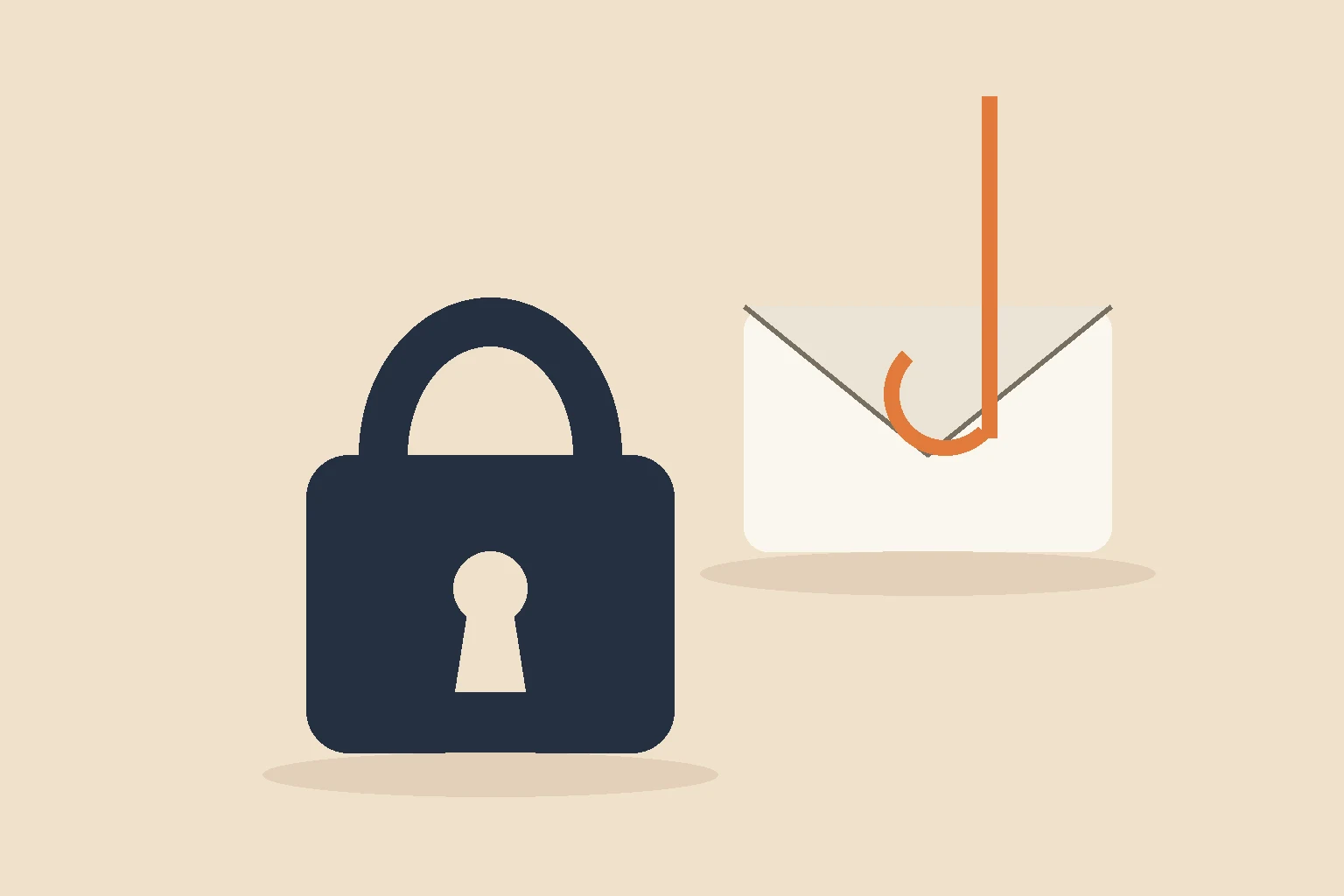
On Tuesday, 1Password disclosed a security breach. An attacker got into the company's backend systems and copied account records belonging to a subset of customers, including the names and email addresses people use to sign in.
The important part first: password vaults were not touched. Not the items in them, and not the keys that protect them. If you use 1Password, your stored passwords are still safe.
Still, this one is worth understanding, because the real danger starts now, in your inbox.
What happened
On November 19, 1Password detected that an attacker had taken over an employee's corporate GitHub account. The attacker used it to read private source code and to push malicious code into backend services. That code then downloaded customer account records.
The stolen records include names, sign-in email addresses, account and user IDs, account creation and last sign-in times, public keys, and other non-secret metadata. The attacker also copied tokens from emailed invitation and account-recovery links, and reached the company's CI/CD system, which holds infrastructure credentials. 1Password says those credentials have now been rotated.
A small number of users who had an open invitation or recovery in progress were notified directly. The company says it found no evidence that anyone took over a customer account.
Why the vaults are still safe
1Password never stores your account password or your Secret Key. A vault is encrypted with keys that only exist on your own devices. So even deep inside the company's servers, there were no passwords to steal. The attacker got customer records, not customer secrets.
For the same reason, the stolen recovery tokens are not enough to break into an account. Using one still requires an SSO sign-in or a code sent to your email. As a precaution, 1Password lengthened those codes from six digits to ten characters.
The real risk: phishing
Names, sign-in emails, and a public breach are exactly what phishers want. Expect convincing emails that look like they come from 1Password: an invitation to accept, an account to recover, a security alert to confirm.
Two rules cover almost all of it. 1Password will never contact you to ask for your account password or Secret Key. And you should only enter them in the official app, or on the official website after typing the address yourself. Your Secret Key is only needed the first time you sign in on a new device or browser.
What is worth doing today
You do not need to change or update anything in your 1Password account. What is worth doing:
1. Warn your team. Tell everyone to treat unexpected 1Password emails as suspicious, especially invitations and recovery requests nobody asked for.
2. Check your own house. The attacker entered through one employee's GitHub account, not through broken encryption. Look at who in your company has access to code repositories and admin panels, and turn on two-factor authentication wherever it is still off.
3. Review your recovery options. Make sure backup codes and recovery emails for your important accounts are current, so a locked account stays a nuisance instead of a disaster.
4. Keep watching. 1Password is still investigating with outside experts. If your account was directly affected, the company says it will contact you.
My take
I do not see this as a reason to switch password managers. The design held: an attacker reached deep into the company and still could not touch a single vault. What failed was one employee account, and that can happen at any company, including a small one.
If anything, this week is a reminder that security is less about picking the perfect tool and more about the boring basics: two-factor authentication, limited access, and a healthy distrust of urgent emails.
Related articles in Technology
CrowdStrike Is Buying Zscaler for $43.9 Billion: What the Record Deal Means for You
CrowdStrike is acquiring Zscaler in the biggest cybersecurity deal ever. What the two companies do, why they merge, and what changes for a small business.
Meta's Muse Now Does Christmas Shopping in the UK: What It Actually Does
Meta launched its AI agent Muse in the UK today, with Sainsbury's, Currys, M&S and easyJet on board. What it does, where it glitched, and why it matters for every shop.
Let AI Hunt Your Black Friday Deals: What These Agents Do and 5 Things to Know First
AI shopping agents promise to find your Black Friday deals this year. What they actually do, and five things worth knowing before you let one near your card.
Get new Blogtechi articles by email.
Get the latest insights on AI, automation, and future tech delivered to your inbox. You confirm your address first and can unsubscribe at any time.
By subscribing, you agree to our Privacy Policy and Terms of Service.